
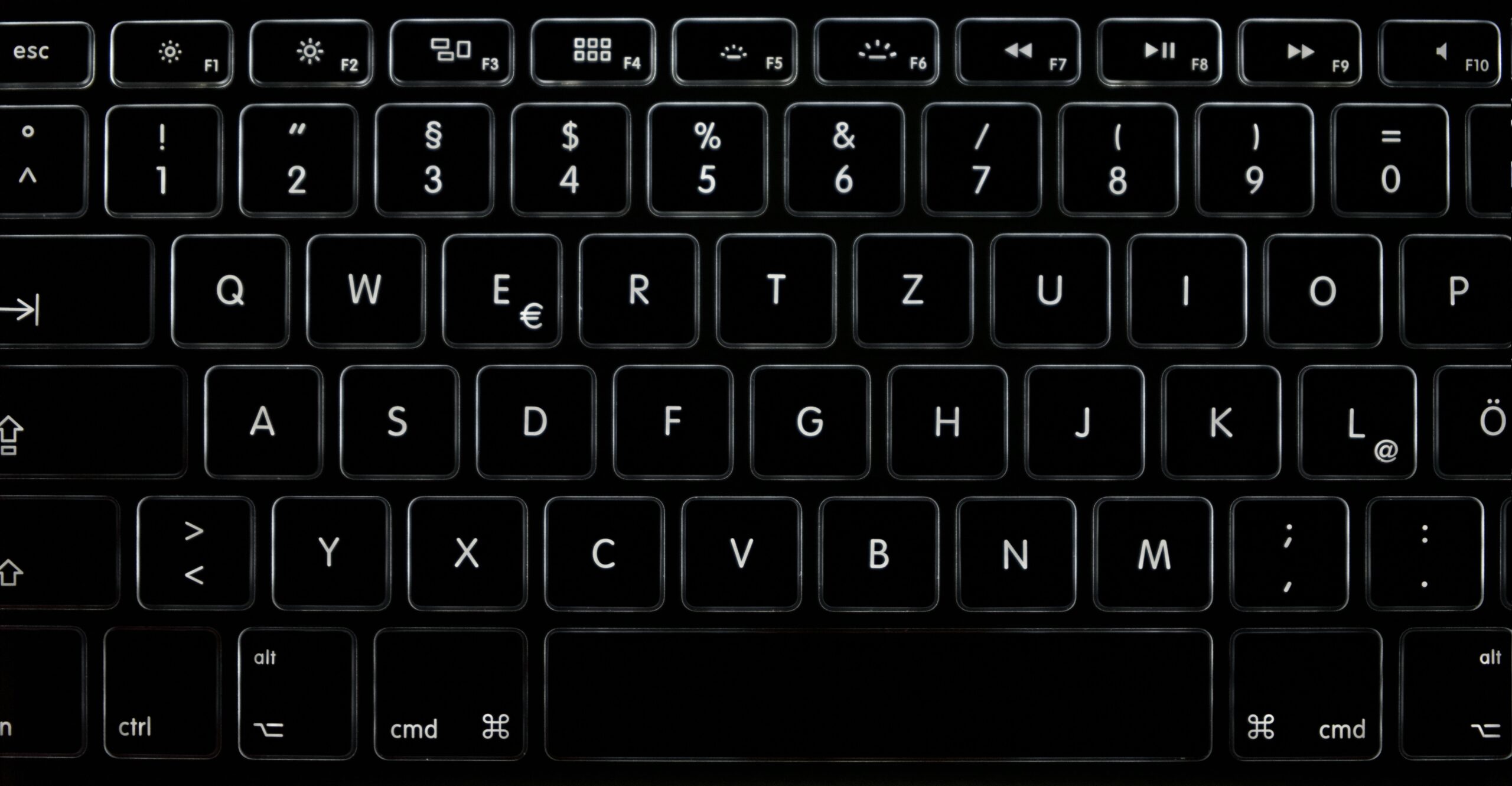
A sticky, unresponsive, or double-typing key can make a MacBook nearly unusable for everyday work. Keyboard issues are one of the most common MacBook complaints we see in our Fresno shops, and the right fix depends heavily on which keyboard generation your Mac has.
MacBooks from roughly 2015 through 2019 use Apple’s butterfly keyboard mechanism, which is notoriously prone to sticking from dust and crumbs. Newer models (2020 and later) moved back to a scissor-switch mechanism that’s far more durable and easier to clean, so the repair approach differs quite a bit depending on your model year.
Before assuming it’s hardware, restart your Mac and, if the issue persists, try resetting the SMC (System Management Controller). Occasionally a stuck key or unresponsive row is a software or firmware hiccup rather than physical debris, and a reset costs nothing to try before opening anything up.
For a single sticky key, powering down and using compressed air at a low angle around the key can dislodge crumbs or dust without needing to remove the keycap. Avoid liquid cleaners near the keyboard — moisture is one of the fastest ways to turn a minor issue into a logic board problem.
If you have a 2015–2019 model and cleaning doesn’t resolve it, the butterfly mechanism typically needs to be replaced as part of the top case assembly rather than repaired key by key. This is a more involved repair, and we can quote it after a quick inspection to confirm which keys are affected.
On 2020-and-later MacBooks, individual keycaps and switches are more serviceable, so a single problem key is often a smaller, less expensive fix than a full keyboard replacement — one more reason it’s worth having a technician confirm your keyboard generation before assuming the worst.
Keyboard issues rarely get better on their own, and the longer a sticky key sits, the more likely dust works its way further into the mechanism. Bring it into a computer repair shop for a free diagnosis and we’ll tell you exactly what it needs.
Want your MacBook checked out? Visit your nearest CellPros — Ashlan Ave, Peach & Kings Canyon, or Tower District — for a diagnostic and same-day service on most repairs. Contact us to book.