
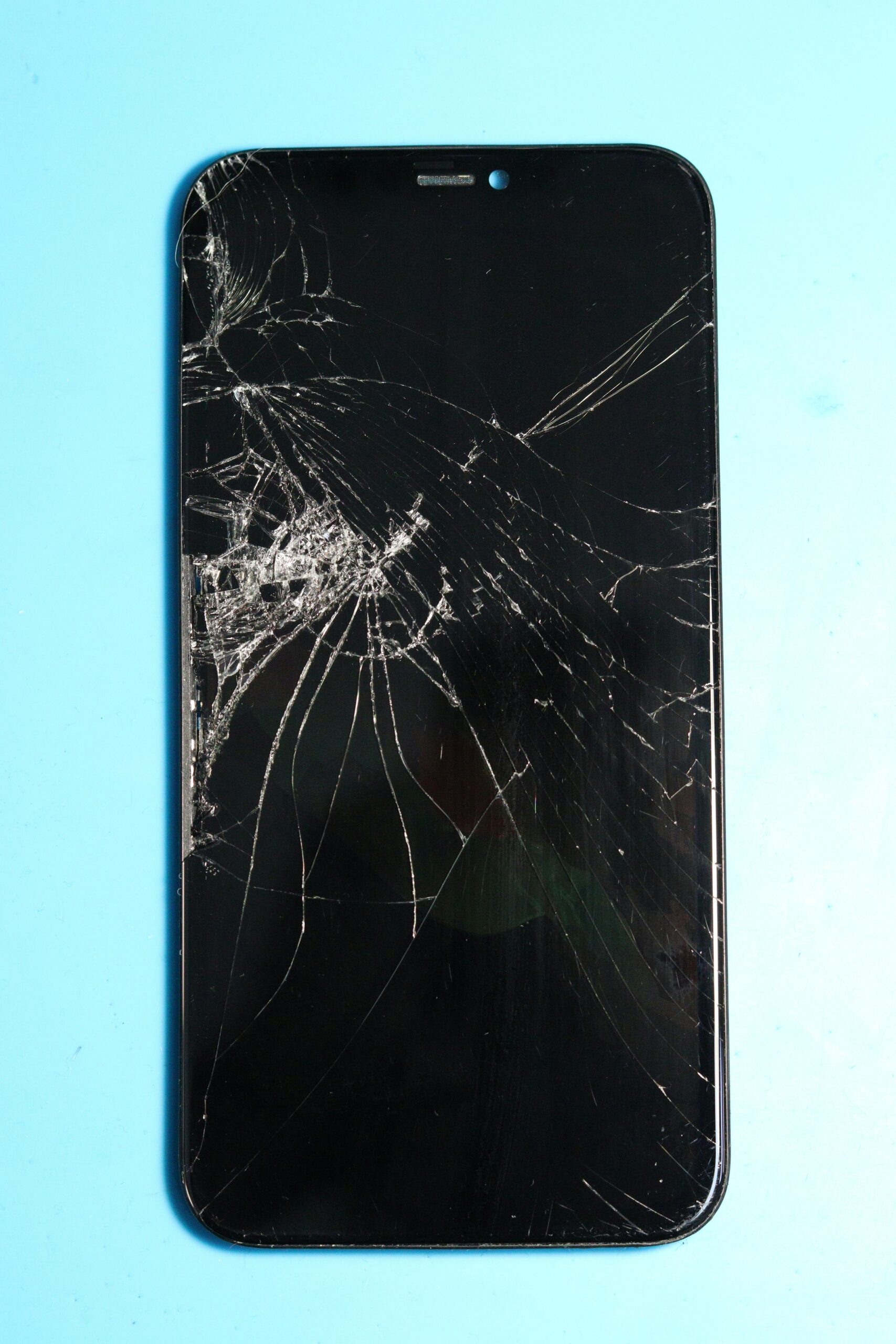
A phone that’s frozen — unresponsive to taps, stuck on one screen, or won’t rotate or open apps — is usually a software hiccup rather than a hardware failure. Here’s how to get it moving again, in order of least to most drastic.
Some freezes resolve on their own within 30-60 seconds if the phone is just processing something intensive in the background, like installing an update or indexing photos. Give it a moment before assuming it needs a restart — force restarting mid-update can occasionally cause other issues.
On newer iPhones: quickly press Volume Up, then Volume Down, then hold the Side button until you see the Apple logo. On most Androids: hold the Power button and Volume Down for about 10-15 seconds. This doesn’t erase any data — it just restarts a stuck system, the same as unplugging and replugging a frozen computer.
A phone that’s nearly out of storage can freeze or slow dramatically when it can’t write the temporary files it needs to function normally. Check Settings > Storage and clear space if you’re close to full — this fixes more freezing issues than people expect.
If the freezing started right after installing a specific app or update, that app is a likely cause rather than the phone itself. Try removing it and see if the issue stops before digging into anything more involved.
Software bugs causing freezes are often patched in point updates that don’t get much attention. Check for a pending iOS or Android update if you haven’t updated recently — it’s a common, overlooked fix for exactly this kind of intermittent freezing before assuming you need a phone repair.
If the phone keeps freezing even after a restart, an update, and clearing storage, that pattern points toward a failing component rather than a software glitch. Bring it in and we’ll run diagnostics to find out what’s actually causing it.
Want your phone checked out? Visit your nearest CellPros — Ashlan Ave, Peach & Kings Canyon, or Tower District — for a diagnostic and same-day service on most repairs. Contact us to book.