
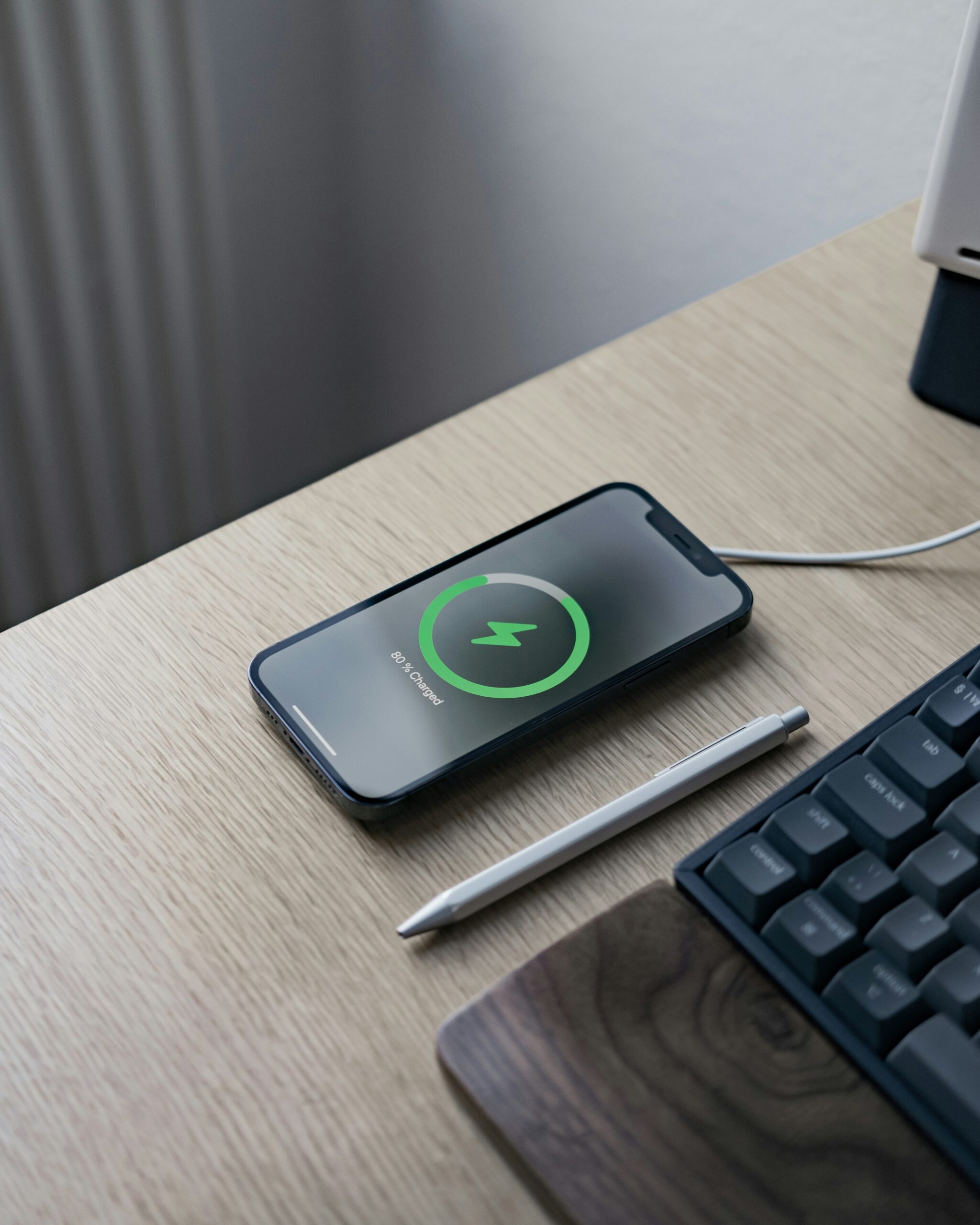
Looking to squeeze more hours out of your iPhone 14 Pro Max between charges, rather than long-term battery health? These day-to-day settings make the biggest difference, and none of them require a repair or a new phone.
Low Power Mode isn’t just for emergencies at 10% — turning it on anytime you know you’ll be away from a charger for a while reduces background activity and visual effects that quietly drain battery throughout the day without you noticing.
The display is one of the biggest battery consumers on a phone this size, especially at max brightness outdoors. Turning on Auto-Brightness and setting Auto-Lock to 30 seconds instead of a longer interval both add up meaningfully over a full day of use.
The 14 Pro Max’s Always-On Display is a real battery trade-off for the convenience of glanceable info. Turning it off in Settings > Display & Brightness > Always On Display noticeably extends battery life if you don’t rely on it throughout the day.
Settings > Cellular > Cellular Data Options lets you set 5G to “Smart Data Mode” instead of always-on 5G, which reduces power use without meaningfully affecting speed for most everyday use. Also review Background App Refresh and turn it off for apps you don’t need updating in real time.
Apps with “Always” location access run more often in the background than necessary for most use cases, quietly pulling battery all day. Settings > Privacy & Security > Location Services lets you review and restrict this per app in a couple of minutes.
If you’ve made these changes and battery life still feels wrong for a phone this age, the battery itself may be degraded rather than a settings problem. An iPhone battery check takes just a few minutes and tells you definitively whether it’s software or hardware.
Want your iPhone checked out? Visit your nearest CellPros — Ashlan Ave, Peach & Kings Canyon, or Tower District — for a diagnostic and same-day service on most repairs. Contact us to book.