
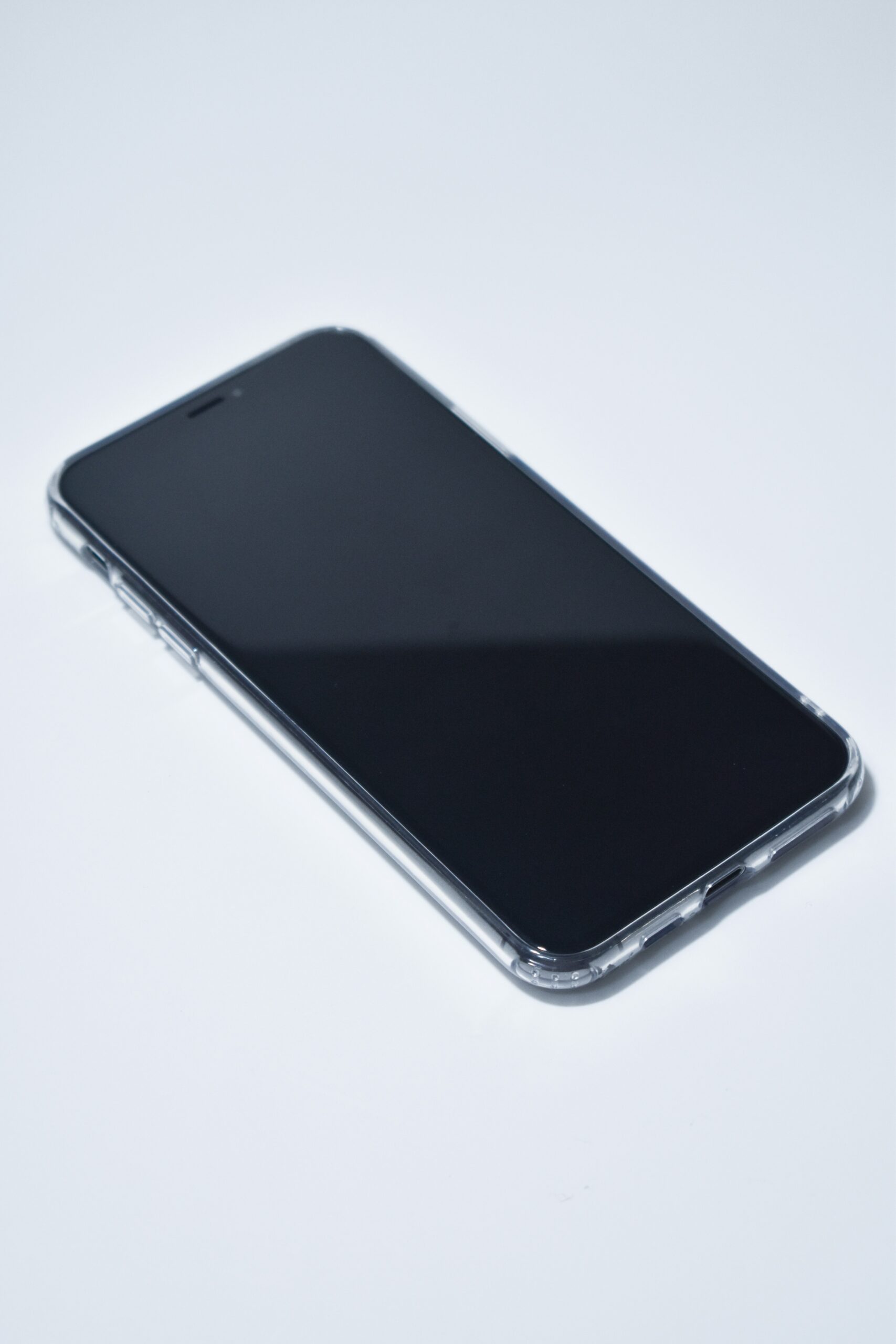
Seeing moisture, fogging, or a visible water spot trapped under your phone’s screen is alarming, but there are safe steps to try before assuming you need a full screen replacement.
If you can see moisture under the glass, turn the phone off right away rather than continuing to check it every few minutes. Continuing to use it or charge it while moisture is present risks a short circuit and permanent corrosion damage that a bit of patience could have avoided.
Rice is a common myth that doesn’t actually pull moisture out effectively and can leave dust and starch residue in your ports and speakers. Silica gel packets in a sealed container work meaningfully better, or simply leaving the phone in a dry, well-ventilated area for 24-48 hours.
Prop the phone with the screen facing down at a slight angle in a dry area, not touching anything absorbent like a towel, to help any trapped moisture evaporate rather than pool against the glass.
A fan set on low pointed at the phone speeds up evaporation without the risk that a hair dryer or other heat source poses. Heat can warp internal components or push moisture further into the device instead of out — it’s one of the more common mistakes we see before a phone ends up needing a full screen repair.
If the fogging has cleared and the phone powers on normally, it likely dried out without lasting damage. Keep an eye on it for a few more days for any delayed symptoms like a dim spot or touch response issue that wasn’t obvious right away.
If the moisture or fogging persists past 48 hours, it’s trapped between the display layers and won’t clear on its own no matter how long you wait. At that point the display needs to be opened and cleaned professionally, or replaced if the moisture has already caused damage.
Want your phone checked out? Visit your nearest CellPros — Ashlan Ave, Peach & Kings Canyon, or Tower District — for a diagnostic and same-day service on most repairs. Contact us to book.